Keep Apple Home.
Your HomeKit setup stays in place. Ask your assistant to dim the lights, set the thermostat or run a scene.
 CauchyHome
For Apple Home users.
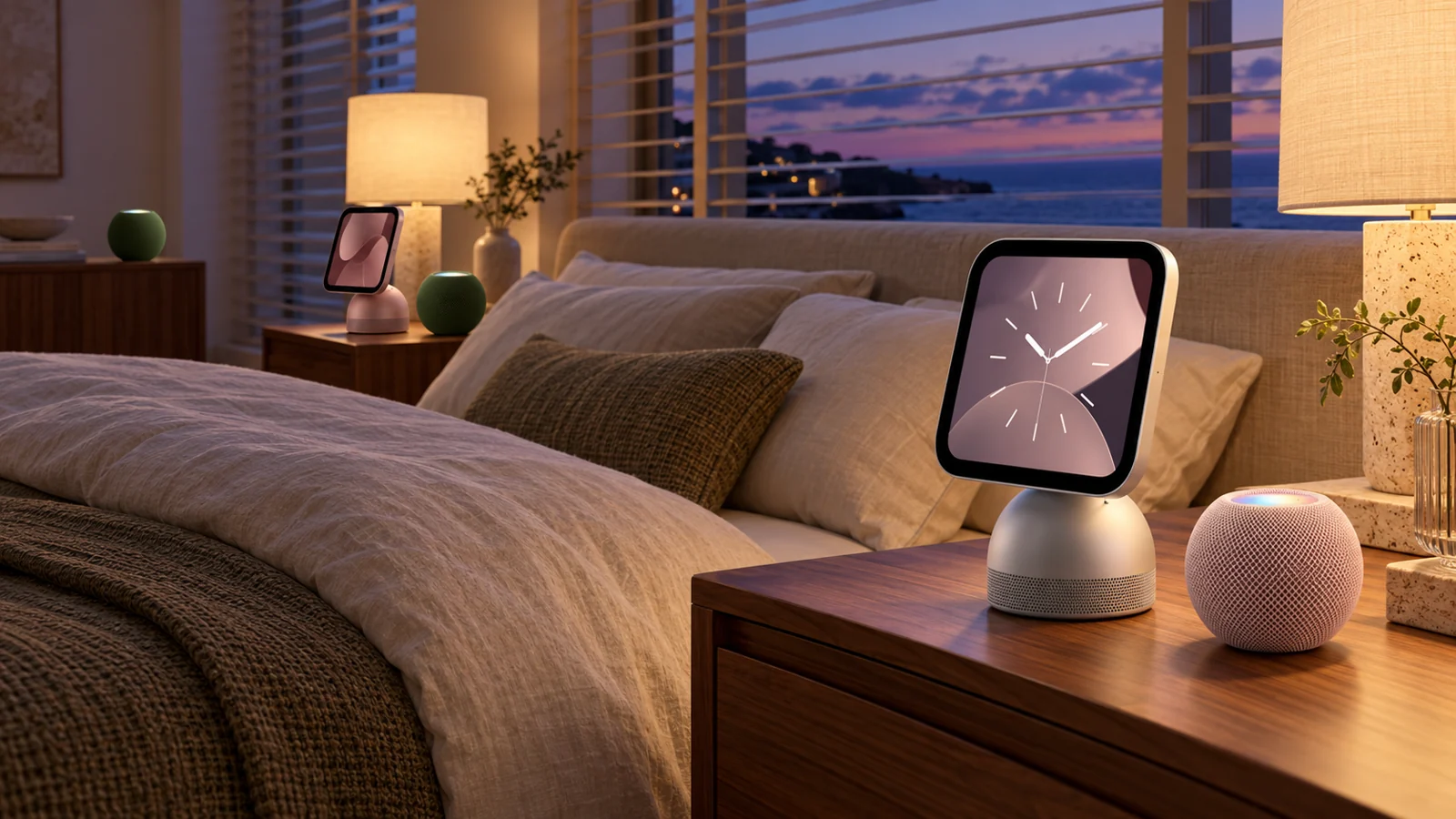
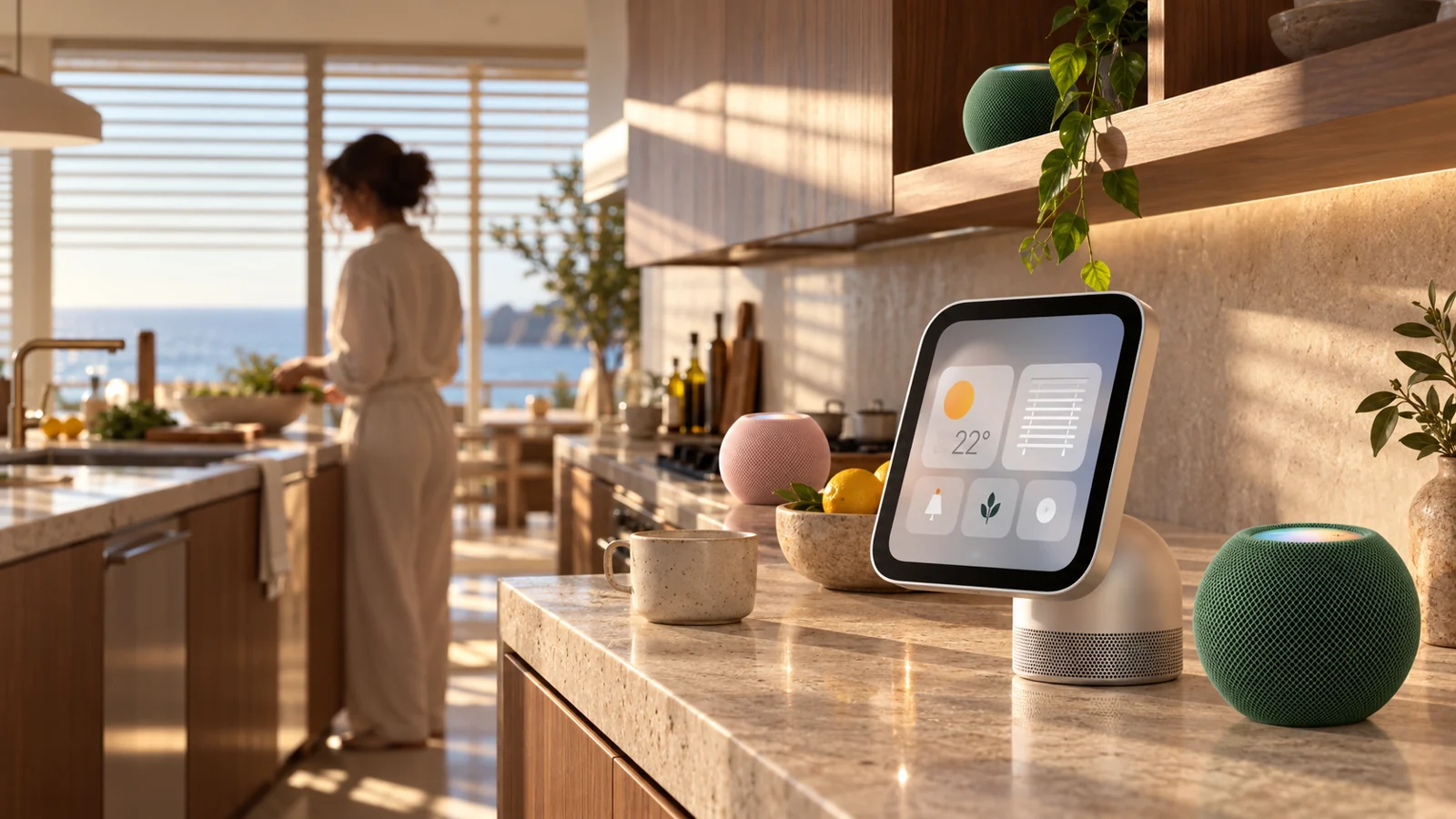
Room and screen concept. Pictured HomeView, HomePod and Cauchy screens are illustrative; their Cauchy compatibility is unvalidated. Pink and green HomePod mini 2 palette.
Who it’s for
For Apple Home users who want conversational AI without replacing their HomeKit setup. A Mac mini at home runs Pomme and connects Apple Home securely to your assistant.
Pomme is French for apple.
How it works
01
Your AI chatbot
ChatGPT · Claude · Gemini · Grok
02
CauchyHome Pomme
MCP server · secure per-Mac pairing
03
Mac mini → Apple Home
Pomme runs at home · your existing devices
Key features
Your HomeKit setup stays in place. Ask your assistant to dim the lights, set the thermostat or run a scene.
Set up your Mac in minutes through the web installer, then pair that Mac securely to your account.
A web device view shows every device imported from Apple Home. Available controls depend on device capabilities and permissions.
Unlocking a door or opening the garage always asks for explicit confirmation before execution.
Sign-in and per-Mac pairing protect access. Apple Home device credentials stay local on your Mac.
Connect ChatGPT, Claude, Gemini or Grok through Pomme’s MCP server. One-tap directory listings are the goal.
At home
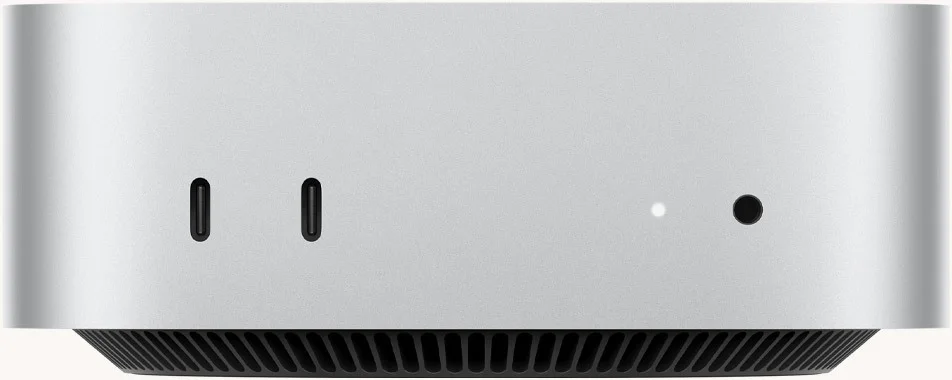
Use the web installer, sign in and pair your Mac. Open the device view to see what Apple Home imported, then connect your assistant.
Door unlock and garage-open requests always require confirmation.
Supported assistants
ChatGPT
Claude
Gemini

Grok
Connect through CauchyHome’s MCP server. One-tap listings in assistant directories are the goal; connection availability varies by client. Grok real-device control has been demonstrated. Logos identify services, not partnerships or endorsements.
Life at home